Every AI agent project hits the same wall.
The Duplicate Wall
You spend 2 weeks rebuilding a Procore connector that already exists in a private repo. No directory. No visibility. Wasted engineering time.
The Horizontal Scroll
Smithery has 5,000+ servers — all in one alphabetical list. You need connectors for construction software, not a haystack to search.
The Trust Problem
That connector you found? Last commit 14 months ago. No docs. No changelog. Dead repo. You spend 4 hours debugging a 10-minute setup.
The MCP marketplace organized the way developers think — by vertical.
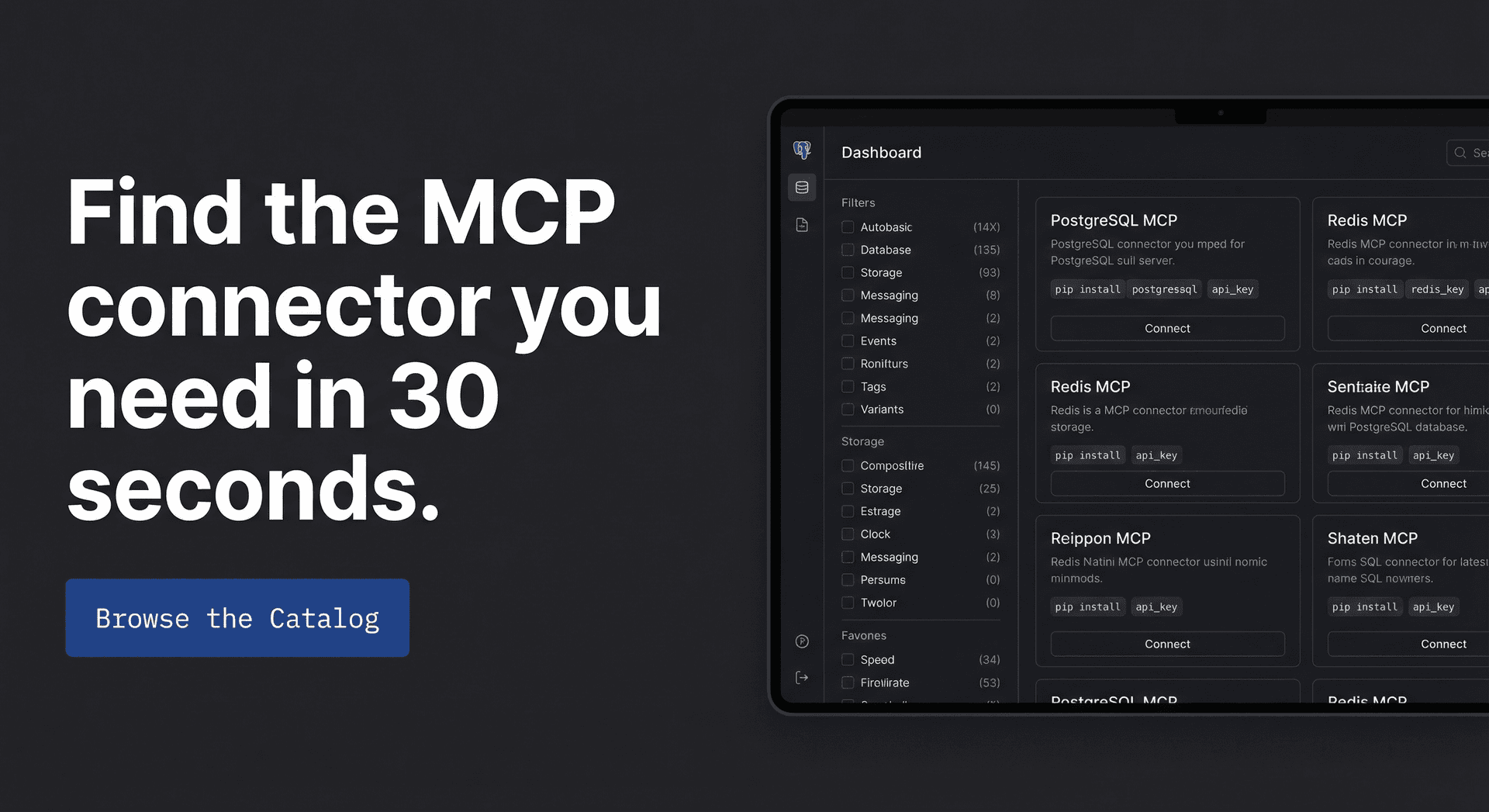
Pipeyard curates MCP servers by industry. Land on the Construction section and see only construction connectors — Procore, Autodesk, Bluebeam, PlanGrid. No noise. No scrolling past irrelevant results.
// Vertical-first navigation
//   (not alphabetical chaos)

// Client-specific install configs
//   (Claude, Cursor, Cline)

// Verified & maintained
//   (no abandoned repos)
Everything a senior engineer needs. Nothing they don't.
Vertical Catalog
6 industries. 50 connectors. Organized by how you think about software, not alphabetically.
Instant Search
200ms debounce. Full-text search across names, descriptions, env vars, and client compatibility.
Install Configs
One-click copy for Claude Desktop, Cursor, and Cline. No config guessing.
Compatibility Matrix
Every connector shows client badges upfront. No surprises.
Trusted & Curated
50 connectors hand-verified from Reddit/GitHub/Discord. No abandoned repos.
Community Submissions
Know a connector we're missing? Submit in 60 seconds.
From "I need a connector" to installed in under 3 minutes.
Step 01
Pick your vertical
Click your industry in the filter rail — Construction, Medical, Logistics, Finance, Retail, or Legal. Instantly filtered.
Step 02
Find your connector
Search by software name or browse the curated list. See compatibility ratings, difficulty level, and last-updated status at a glance.
Step 03
Copy config and ship
Open the server detail. Select your MCP client (Claude, Cursor, Cline). Copy the pre-formatted install config. Done.
6 industries. 50+ connectors. All organized for you.
Pricing that makes sense for developers.
Try free. Upgrade when you need installation configs.
Free
Browse the catalog
- Browse full catalog
- Server descriptions
- Compatibility matrix
- Community submissions
- Installation configs
- My Stack
Starter
10 configs/month
- Everything in Free
- 10 install configs/mo
- Priority search
- Email support
- My Stack
- Custom requests